Account help
Reset your password.
Forgot your LuxeHQ password? We'll email you a 6-digit code. Enter it in the app and choose a new password: it takes about a minute.
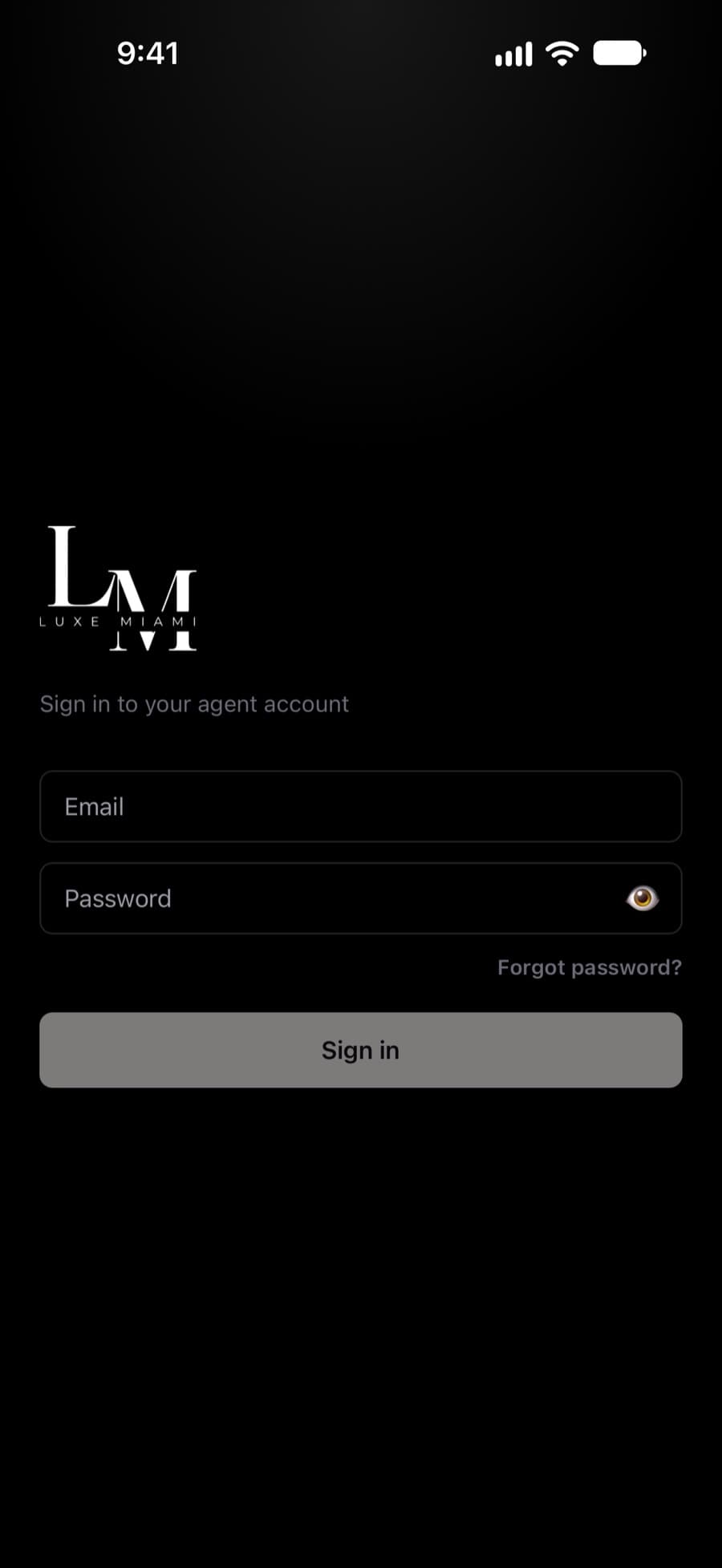
How it works
Four steps and you're back in the app.
- 01
Request a code
Enter your work email on this page. We'll email you a 6-digit code.
- 02
Open LuxeHQ
On the sign-in screen, tap Forgot password?, type the same email, then tap Already have a code? Enter it.
- 03
Enter the code
Type the code from your email and tap Verify code. Codes expire after 10 minutes.
- 04
Choose a new password
At least 10 characters. Then sign in with your new password as usual.
No email?
Check your spam folder, and make sure you used the work email on your LuxeHQ account.
Code expired?
Request a new one here or in the app. Each new code cancels the one before it.
Still locked out?
Email hello@luxemiamiapartments.com or ask your Luxe Miami administrator.